
Shopify order operations · Fraud prevention
Shopify Order Holds: When to Review, Fulfill, or Cancel a Risky Order
A Shopify fulfillment hold pauses an order before it ships, which gives you a deliberate window to review it instead of packing it on autopilot. This guide explains how to place, track, review, and release a Shopify order hold, what changes when an order is on hold, who can place a hold (including system holds placed automatically), and how to document the final decision.
The goal is not to turn every unusual order into an investigation. It is to give your team time to make a decision you can explain later, without slowing down the orders that deserve to ship.
By DisputeShield Team · Published 2026-08-31 · Last updated 2026-10-22
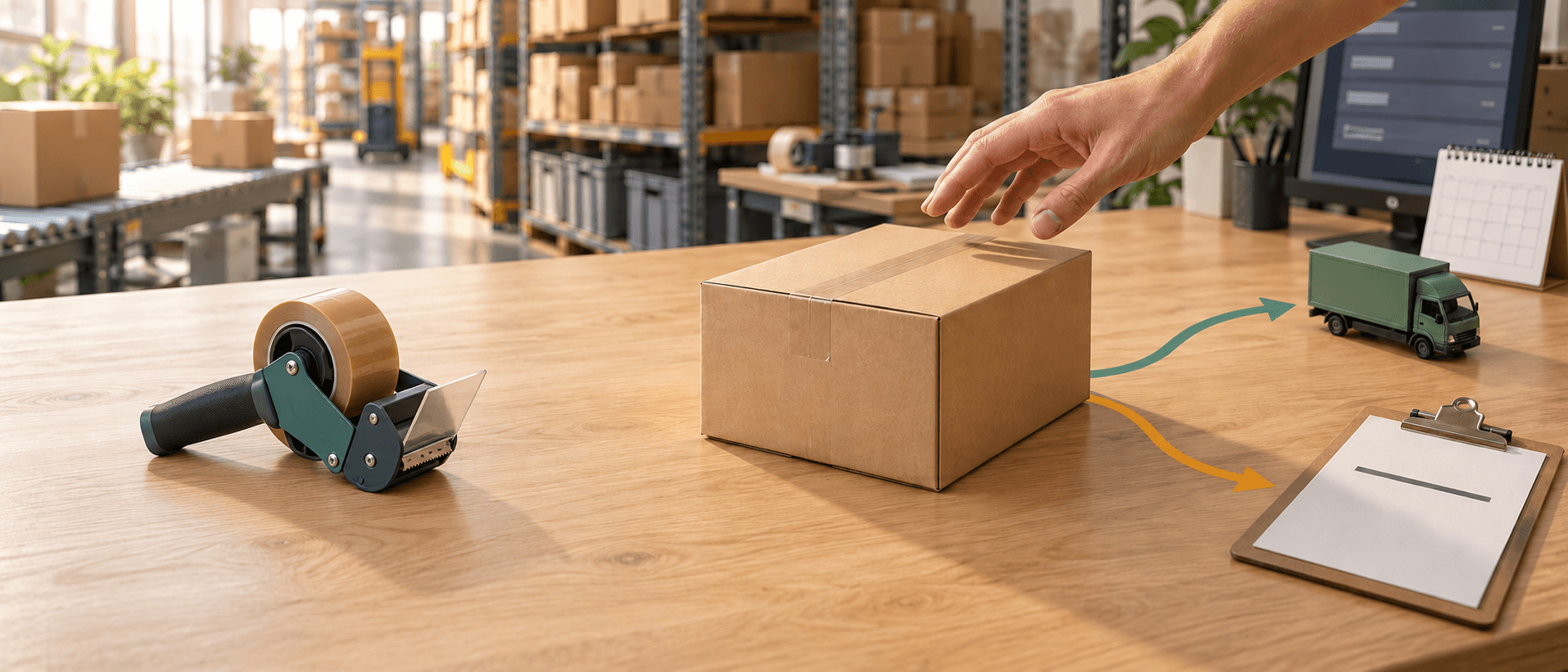
When a hold is useful
Consider a hold when an order is unusual for your store, requires manual review, or has a combination of signals that your policy treats as high risk.
The purpose is to create time for a decision, not to label the customer or guarantee that a later dispute will not happen. A hold is a pause, not a verdict.
How the hold works in Shopify
Shopify's manual hold blocks fulfillment while the order stays in your control. Here is how to place one from your Shopify admin:
- Go to Orders and open the order you want to hold.
- In the Unfulfilled or In progress section where you want to pause fulfillment, open the menu and click Mark as on hold.
- Select the items you want to put on hold.
- Choose a reason from the Hold reason drop-down menu.
- Click Mark as on hold.
You can do the same from the Shopify mobile app: open the order, tap the menu in the Unfulfilled or In progress section, tap Mark as on hold, choose a reason, and confirm.
When a hold is placed, the fulfillment status changes to On hold. Inventory can be reserved, but fulfillment is blocked until the hold is released. Orders that are on hold are excluded from the list of Unfulfilled orders in your admin, so they do not clutter your main fulfillment queue. When you release the hold, the order's fulfillment status returns to what it was before, usually Unfulfilled or In progress.
You can add more than one hold to the same fulfillment. Shopify allows up to 10 manual holds per fulfillment. To add another, open the order, go to the On hold section, click Add hold, choose a reason, and confirm.
To release a hold, open the order and go to the On hold section. If the fulfillment has a single hold, click Release hold. If it has multiple holds, select the specific holds you want to release, then click Release. Releasing a hold does not fulfill the order; it makes the order fulfillable again. You still need to fulfill it as the next step.
How order status reads with multiple fulfillments
An order can have more than one fulfillment, for example, when items ship from different locations. Each fulfillment carries its own status, and the order's overall status is determined by the combination:
| Fulfillment 1 | Fulfillment 2 | Fulfillment 3 | Order status |
|---|---|---|---|
| On hold | Unfulfilled | - | Unfulfilled |
| On hold | Fulfilled | - | On hold |
| On hold | Fulfilled | Unfulfilled | Partially fulfilled |
| On hold | On hold | - | On hold |
The short version: if any fulfillment is unfulfilled, the order shows as Unfulfilled instead of On hold. If every fulfillment is either on hold or fulfilled, the order stays On hold.
Who places the hold: manual, system, or automated
Holds come from three places, and it helps to know which kind you are dealing with before you touch one.
Manual holds are placed by you or a teammate in Shopify admin, using the steps above. This is the normal workflow for a merchant reviewing a flagged order.
System holds are placed automatically by an app or service, not by you. Common examples include:
- Marketplace authorization pending: a sales channel such as Facebook or Google can place an order on hold while it performs fraud analysis and payment authorization. These holds can last from 5 minutes to 24 hours.
- Managed Markets authorization pending: Managed Markets can place a hold to run fraud analysis, verify customer details, and confirm duties and import taxes. These can also last from 5 minutes to 24 hours.
- Awaiting return items: exchange items created as part of a return are held until the returned items are received and inspected.
- Pending upsell offer: if you use a post-purchase upsell app, the order stays On hold for up to one hour while the customer responds to the offer.
- Unknown delivery date: orders with a selling plan that requires future fulfillment at an unscheduled date, such as some pre-orders, are held until a delivery date is set.
A single fulfillment can carry multiple holds at the same time. You might add a manual hold for a high-risk signal while a third-party app also places a system hold on the same fulfillment.
One warning matters here: you can override a system hold, but doing so might violate your agreement with the app or service that placed it. Before you release a system hold, review your agreement or contact the service that placed the hold. Overriding a hold placed by a channel or app you depend on can break the workflow that service is protecting.
What to review while an order is held
The point of the hold is to give you a focused review window. Check the order facts that are already available in your admin, and do not turn the review into a request for sensitive personal information.
Ask whether the unusual detail has a reasonable explanation. A different delivery address may be normal for a gift. A rush order may be normal during a promotion. A high-value basket may be normal for a wholesale customer. The question is whether the full pattern fits your store's experience and the policy you chose.
If customer contact is appropriate, keep communication calm and minimal. Explain that the order needs a routine review, record the result with the order, and do not ask for documents that are not necessary for the decision.
What to check before releasing the order
The review does not need to become an investigation into the customer's private life. Check the information already available in your Shopify admin and the records required to fulfill the order:
- Payment and fulfillment status: confirm the payment is in the expected state and check whether any part of the order has already been fulfilled.
- Risk recommendation and individual indicators read the Order risk section, but treat a recommendation as a decision aid, not a finding that a customer committed fraud.
- Shipping destination and requested delivery speed check whether the address or delivery choice has a reasonable explanation.
- Product value, quantity, and resale sensitivity A high-value or easily resold basket may warrant more scrutiny than a routine order.
- Relevant customer-service or refund history Check for recent support conversations or refund activity that changes the context.
If the review supports fulfillment, release the hold and record the decision briefly. The note should say what was checked and why the order was released, not make an unsupported statement about the customer's identity or intent.
Release, cancel, and document the decision
Release the order when the review supports fulfillment. Cancel or refund only when the documented policy and available facts support that action.
For every outcome: release, cancel, or refund, record the reason, the time, and the owner. Write the note as "what was checked and why the order was released" rather than an accusation about who the customer is or what they intended. That record matters later: if a dispute opens, the order note becomes part of the story you can tell with your evidence.
Hold versus cancel: make the decision proportionate
A hold is appropriate when uncertainty remains and a review could resolve it. Cancellation is more final and should be reserved for orders that meet a documented rule or present a pattern your business is not willing to accept. Do not treat a high-risk recommendation as an automatic requirement to cancel every order.
Consider the cost of both mistakes. Shipping a risky order can lead to lost goods, a payment dispute, and support work. Canceling a legitimate order can lose revenue and customer trust. Your policy should reflect the product's value, delivery risk, margin, and your ability to contact customers, not only the color of a risk indicator.
If you cancel or refund, follow Shopify's current payment procedures and communicate clearly. Do not promise that cancellation prevents every dispute or removes every authorization hold. It is a risk-control decision, not a guarantee about what a bank will do.
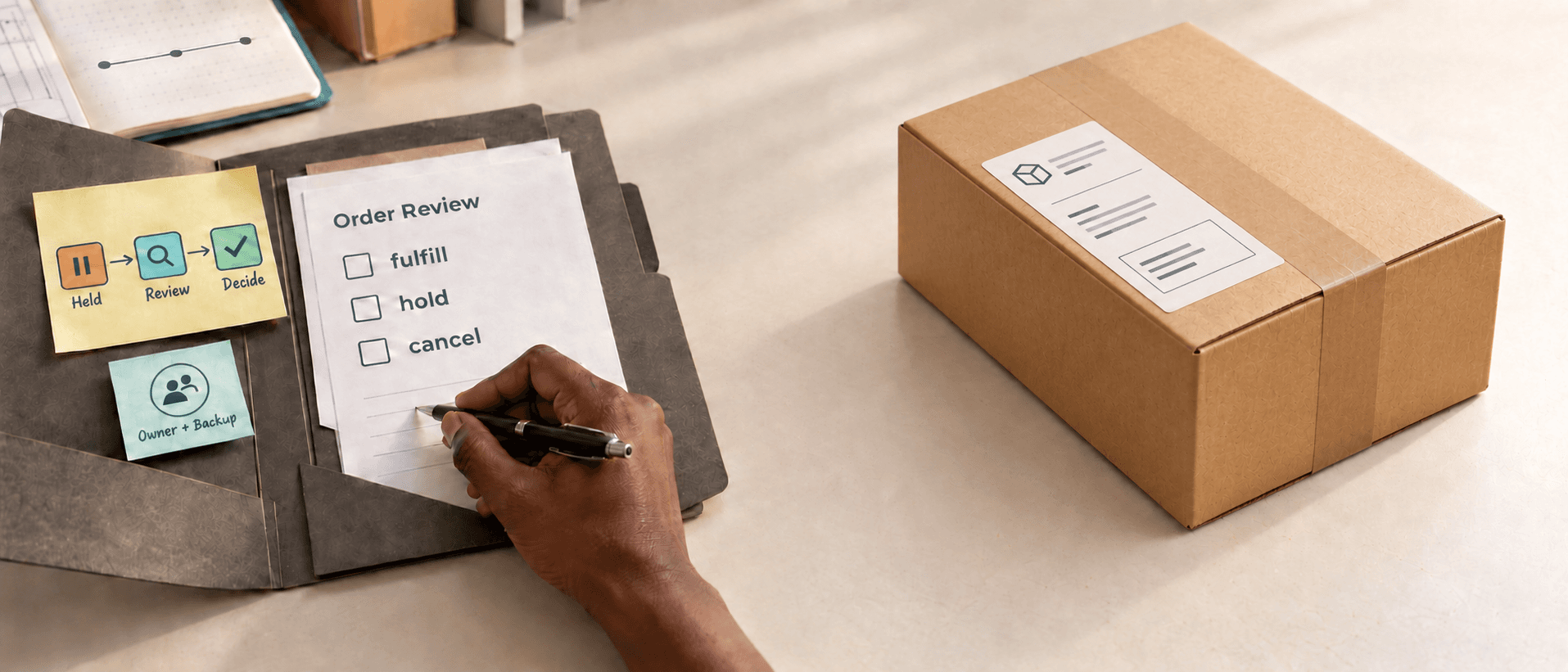
Set a review deadline, a backup owner, and an escalation path
A hold without a deadline becomes a forgotten order. Inventory may be reserved, the customer may contact support, and your fulfillment team may not know whether to wait or proceed.
Decide how quickly different orders need attention. A time-sensitive product or expedited shipment may need same-day review, while a non-urgent order may allow more time. Put the deadline where the fulfillment and support teams can see it.
Name a backup owner for weekends, holidays, and sick days. If only one founder can release a hold, the policy will fail whenever that person is unavailable. The backup does not need the same authority for every action; they can escalate a cancellation while still preventing an order from shipping without review.
Track overdue holds as an operational metric. A growing overdue queue means the trigger is too broad, the review takes too long, or the team needs a clearer escalation path. Fix the process instead of simply telling people to work faster.
Automating the hold with Shopify Flow
If your hold rules are clear and repeatable, Shopify Flow can place and release holds for you. These are Shopify platform capabilities that you build in Flow, not through a third-party app.
The Hold fulfillment order action places a hold on each fulfillment location on the order. It has three fields:
- Reason: the reason for the hold.
- Reason notes: additional context.
- Notify merchant: sends you a notification when the hold is placed.
Which trigger you choose determines how much of the order gets held. If you use an order-level trigger such as Order created, Order paid, or Order risk analyzed, the action holds all fulfillment orders on that order. If you use a fulfillment-order-level trigger such as Fulfillment order ready to fulfill, only that specific fulfillment order is held.
The Release fulfillment order holds action changes a fulfillment order from On hold to Open. It releases all holds on that fulfillment order, and it requires a fulfillment order ID to be available in the workflow. Because that action releases every hold on the fulfillment order, pair it with a trigger that targets the right order. The Order ready to fulfill trigger runs per fulfillment order and is commonly used here. If your workflow starts from an order-based trigger, you may need a short delay of about five minutes, or a For-each loop over fulfillment orders so the fulfillment orders exist before the Release action runs.
Practical Flow templates Shopify provides include holding on a high risk level, holding when total order value exceeds $1,000, holding when a customer has a specific tag, holding multiple orders placed within 24 hours, and holding when the customer has a chargeback in the past 60 days.
The key detail is scoping: a release action that runs too broadly will release holds on orders you did not intend to ship. Match your trigger to the specific fulfillment order you want to release, and test the workflow on a few real orders before trusting it in full production.
Where an app fits without replacing judgment
DisputeShield helps Shopify Payments merchants apply merchant-defined risk rules before fulfillment and keep the decision connected to later dispute evidence. You choose the rules; the app does not replace Shopify's fraud analysis or guarantee an order or dispute outcome.
The hold gives you time to review before fulfillment. If a dispute opens anyway, DisputeShield can organize the available order, payment, fulfillment, policy, customer, and support records into a dispute evidence packet as a PDF, which you can review before submission or enable automatic submission.
This happens after the order decision: the hold is the pause before shipping, and evidence preparation is the response after a dispute. Automation should make the next step visible, not hide why an order was affected. You remain responsible for deciding whether the rules fit your store.
Review the policy after real orders teach you something
Once a month, review held orders by outcome. Count how many were released, canceled, overdue, or escalated. Look for customer complaints, fulfillment delays, refunds, and disputes connected to the decisions. A rule that creates many holds but almost no meaningful action may be too broad.
Change one part of the policy at a time and keep a short record of why. For example, you might change the value threshold without changing the address rule. That makes it easier to tell whether the adjustment reduced unnecessary friction while still catching the pattern you care about.
The goal is not a store that never accepts an unusual order. The goal is a store that knows when to pause, has someone responsible for the decision, and can explain why an order was released or canceled. For the broader team process behind this, see our guide to building a Shopify order risk review workflow for growing stores, or how to verify a high-value order before fulfillment when a single large order needs extra care.
A practical example for a growing store
The following example is hypothetical, using consistent inputs to show the decision pattern.
Imagine a store normally ships orders within two days. During a holiday campaign, a first-time customer places a large order, requests overnight delivery, and uses a shipping address different from the billing address. Shopify's analysis raises the order for review.
The store's policy does not cancel automatically. The operations owner places a manual hold, then checks the risk details, confirms that payment is in the expected state, reviews the product quantity, and checks whether the address change came through a support request. The customer confirms that the order is a gift, and the destination is consistent with a previous legitimate delivery pattern. The owner releases the hold, records the reason, and lets fulfillment proceed.
In another case, the same trigger appears alongside several declined payment attempts, repeated orders for easily resold products, and a request to reroute the package after fulfillment begins. That combination may meet the store's documented cancellation rule. The important part is that the action follows a documented pattern rather than an unsupported accusation.
Give your team a safer moment to decide.
DisputeShield helps Shopify Payments merchants apply their own risk rules before fulfillment and keep the decision connected to later dispute evidence. You choose the rules; the app does not replace Shopify's fraud analysis or guarantee an order or dispute outcome.
Install DisputeShieldFrequently asked questions
Why hold a Shopify order?
A hold gives the merchant time to review risk information, confirm order details, contact the customer, or apply a documented policy before fulfillment. A manual hold in Shopify blocks fulfillment and reserves inventory until released.
Should a held order always be canceled?
No. A hold is a review action. The final decision should follow the merchant's policy and the facts available for that order.
Do I have to release a hold manually, or can Flow do it?
Both work. You can release a hold manually from the order's On hold section, or you can build a Flow using the Release fulfillment order holds action. Flow is useful when you need to release holds at scale, but you must scope the trigger to the right fulfillment order so you do not release holds on orders you intended to keep paused.
Related articles

Shopify order operations · Customer verification
Shopify High-Value Order Verification: When to Pause Before Fulfillment
Shopify order risk · Store operations
Shopify Order Risk Review Workflow for Growing Stores

Shopify fraud analysis · Order risk